
Mission 22 · Chapter 1
Recalibration
Recalibration is the nineteenth story mission in GTA 6: Chapter 1, Just Like Paradise. After Donnie’s death in Swamped, Cal Hampton hasn’t been doing too well. Lucia suggests that she and Jason pay him a visit to cheer him up, preferably with some beer and a fishing trip.
Here’s a complete walkthrough for GTA 6’s Recalibration mission, including how to catch fish and use the grill. Be sure to tick it off on our 100% tracker once you finish it.
How to Start Recalibration in GTA 6
Recalibration becomes available after Don Gone. Lucia will call Jason and ask him to come home. Head back to Jason’s house in Key Lento and speak to her to start the mission.
She suggests visiting Cal, who’s still struggling with Donnie’s death. Before heading over, you’ll also need to pick up some beer.
Objectives
- Go to the liquor store
- Buy a six-pack for Cal
- Go to Cal’s house
- Find Cal
- Speak to Cal
- Drive the boat to the fishing spot
- Catch fish
- Return to Cal’s dock
- Open the grill
- Grill the fish
- Follow Lucia
- Return to your house with Lucia
Buy a Six-Pack for Cal
Get into your vehicle with Lucia and follow the GPS to the marked liquor store. Head inside and grab any six-pack from the beer fridge. A six-pack of Patriot Beer costs $16, but you don’t need to buy that specific brand.
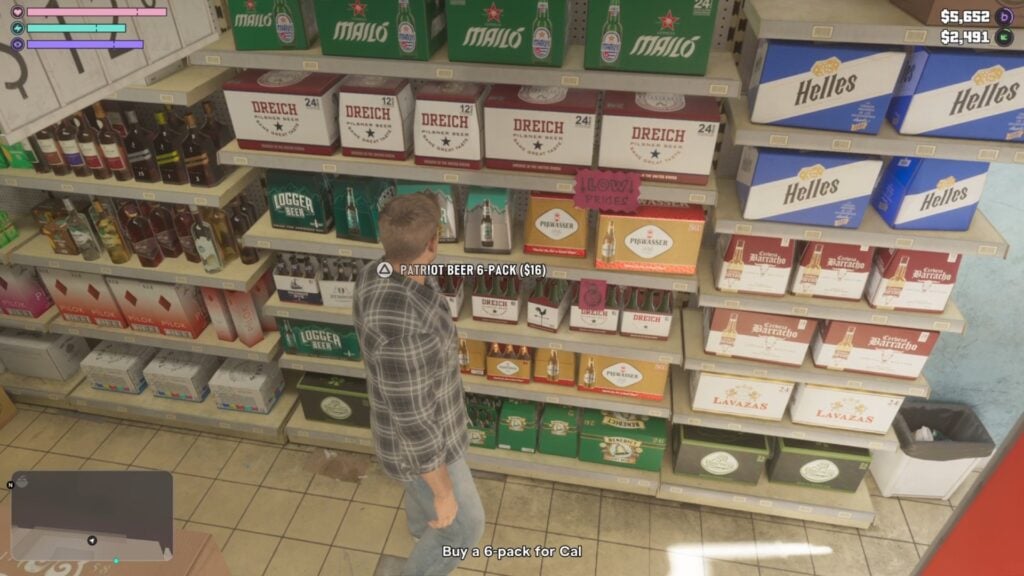
The game automatically charges you when you pick up the beer, so there’s no need to visit the counter. Once you’ve got the drinks, get back in your vehicle and drive to Cal’s house.
Find Cal
When you arrive, head around the back of Cal’s house toward the waterfront. You’ll find him sitting on a lounger near the dock, feeling pretty miserable about Donnie.
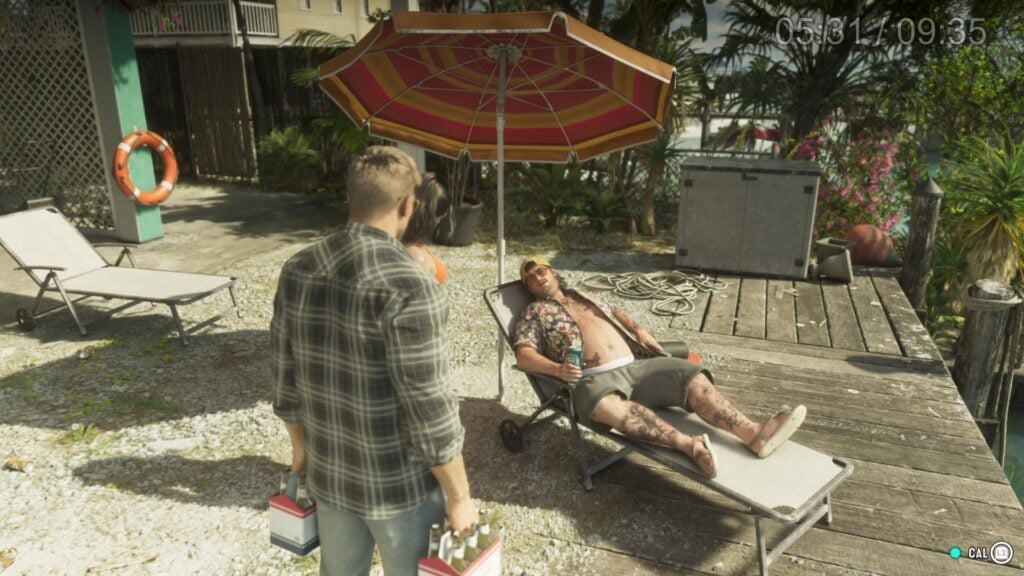
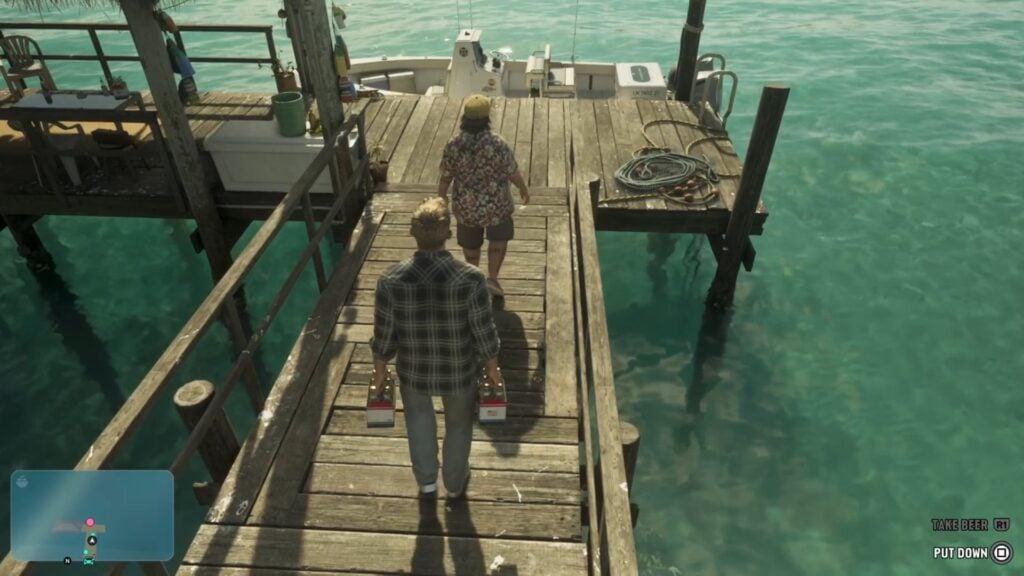
Approach Cal and talk to him. After a short conversation, the three decide that getting out on the water might do him some good. Follow Cal to his boat and get into the driver’s seat.
Drive the Boat to the Fishing Spot
Follow the pink marker on your map to the fishing spot. It’s only about a two-minute boat ride from Cal’s house. Once you reach the marked area, a conversation will play out before you can start fishing.
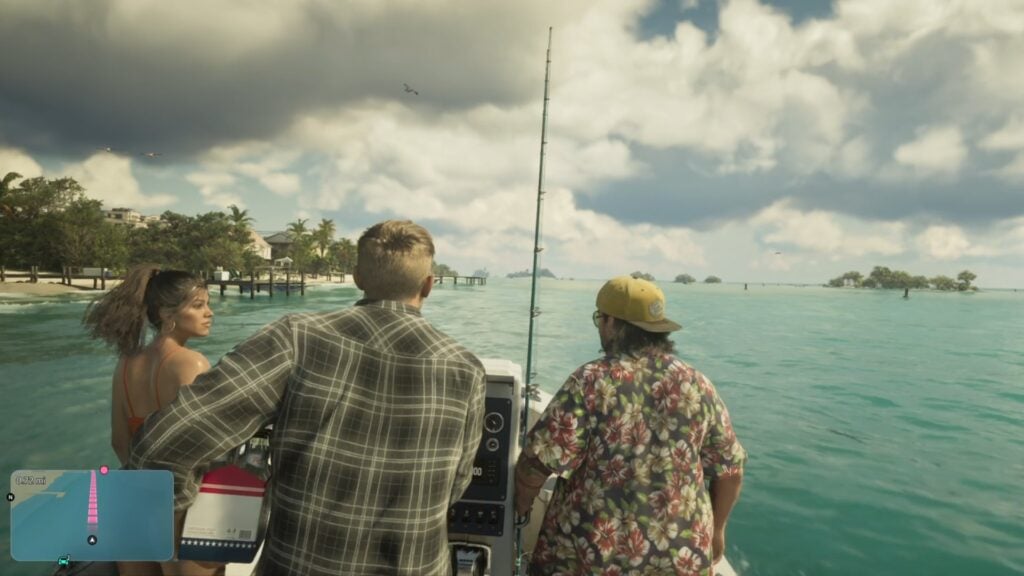
Cal has quite a bit on his mind, so let him finish talking and wait for the fishing prompt.
Catch Fish
Recalibration introduces GTA 6’s fishing mechanics. They’re a little more involved than simply pressing a button and waiting for a fish to bite.
Here are the fishing controls for PlayStation:
- Hold L2: Grip the fishing rod.
- Pull and release R2: Cast your line into the water.
- Rotate the right stick slowly: Move the lure to attract fish.
- Press R2: Hook the fish when you get a bite.
- Move the left stick: Pull against the direction the fish is swimming.
- Rotate the right stick quickly: Reel the fish in when it stops struggling.
The main thing is to move the left stick in the opposite direction to the fish. If it’s pulling right, push left. If it’s pulling left, push right.
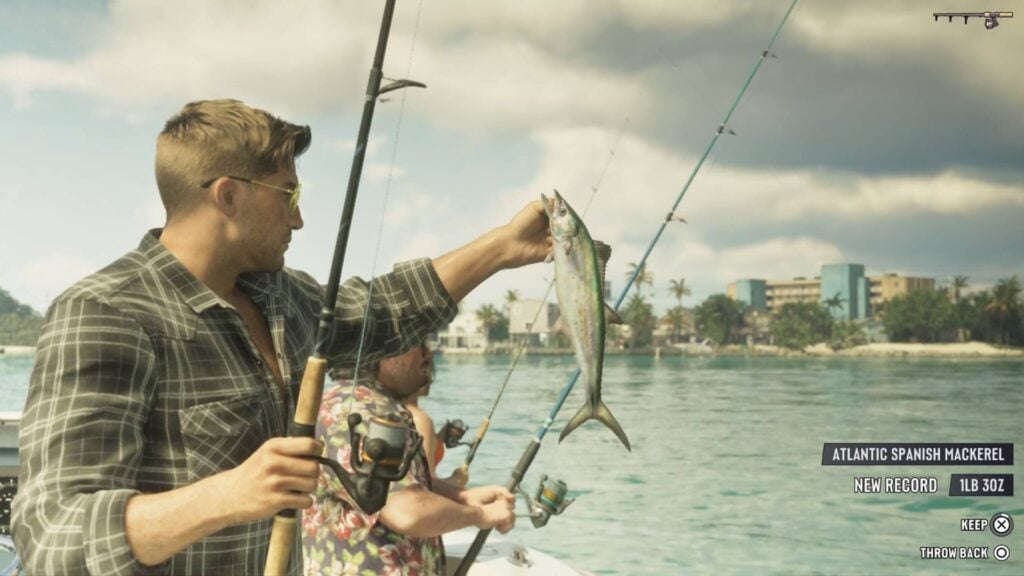
Don’t just keep reeling when the fish starts fighting. Control it with the left stick first, then reel it closer when it tires out. Once you’ve caught a fish, you can either keep it or throw it back. Keep your catches for dinner.
Continue fishing until the game tells you to return to Cal’s house.
Return to Cal’s Dock
Get back behind the wheel and follow the GPS to Cal’s dock.
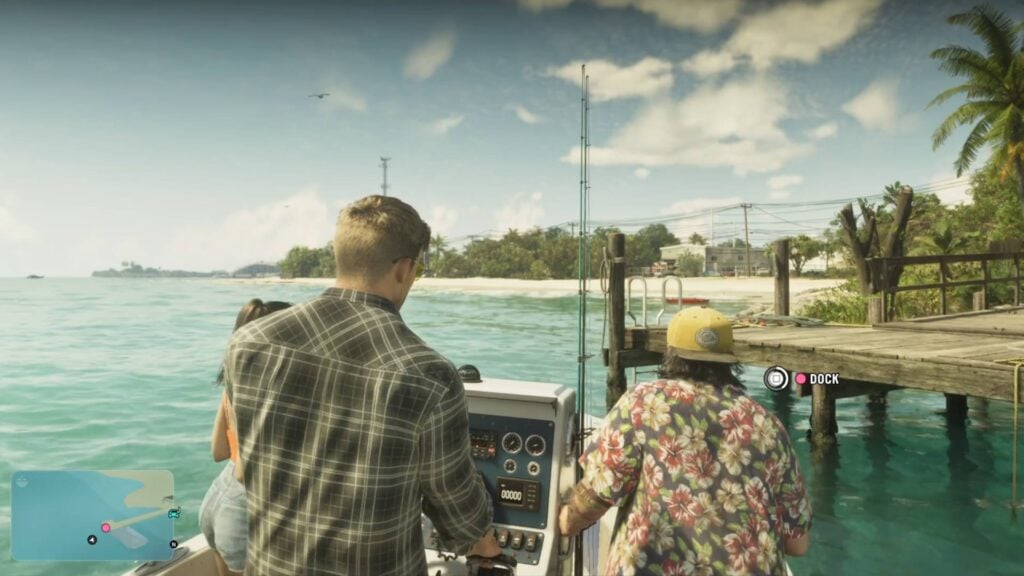
Slow down as you approach and line the boat up with the marked docking area. Press Square on PlayStation or X on Xbox when the docking prompt appears.
Get out and follow Cal toward the grill.
Grill the Fish
Cal wants to cook the fish you caught, so Jason gets put on grilling duty. Walk over to the grill beside the dock and interact with it to start cooking.
On PlayStation, the controls are:
- X: Flip the fish.
- Square: Press down on the fish.
- Triangle: Do a little flourish with the spatula.
- Circle: Serve the fish when it’s ready.
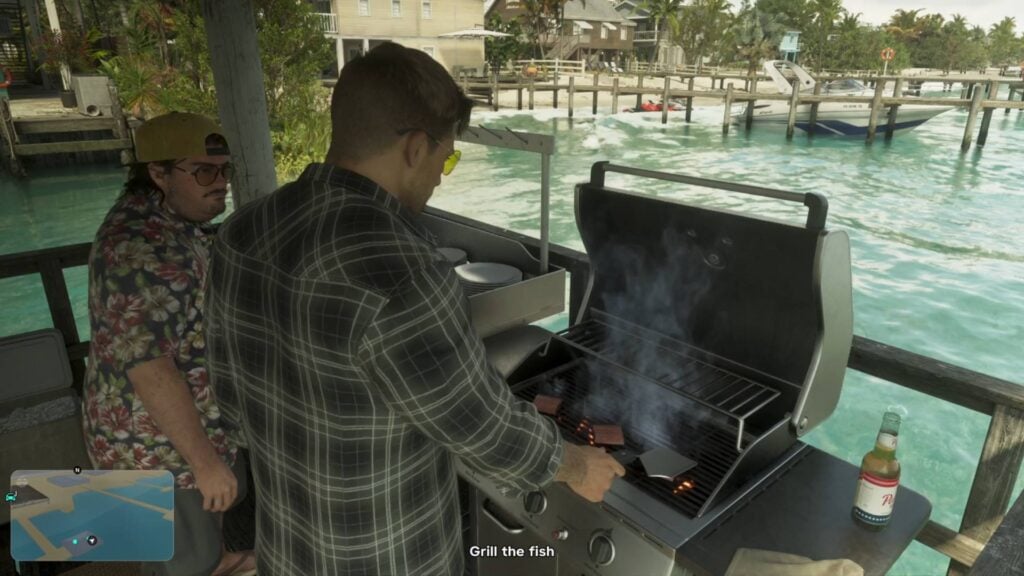
You’ll need to cook three pieces of fish. Keep flipping them so both sides cook evenly. You’ll notice the fish changing color as it cooks, so don’t leave one side on the grill for too long. Once a piece is ready, serve it to Cal. He’ll put it in a bun and prepare the next one. Repeat until all three pieces are cooked.
Afterward, everyone sits down to eat, but Lucia suddenly doesn’t feel like sticking around.
Follow Lucia
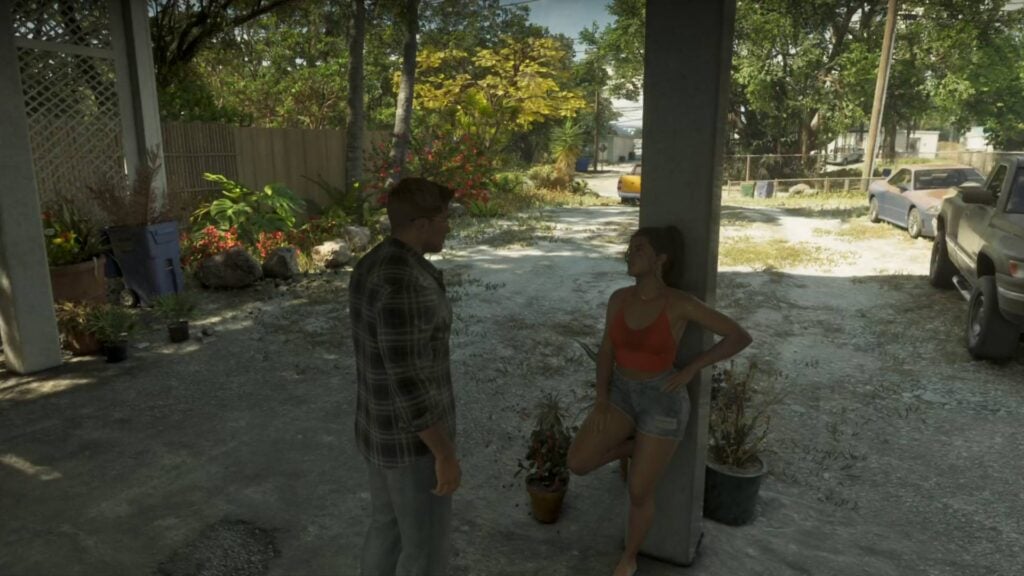
Lucia gets up and leaves the table, saying she’s not hungry. Follow her toward the front of Cal’s house to find out what’s wrong. She’ll tell Jason she’s feeling unwell, blaming it on the heat. After the conversation, get back in your vehicle with Lucia and drive home.
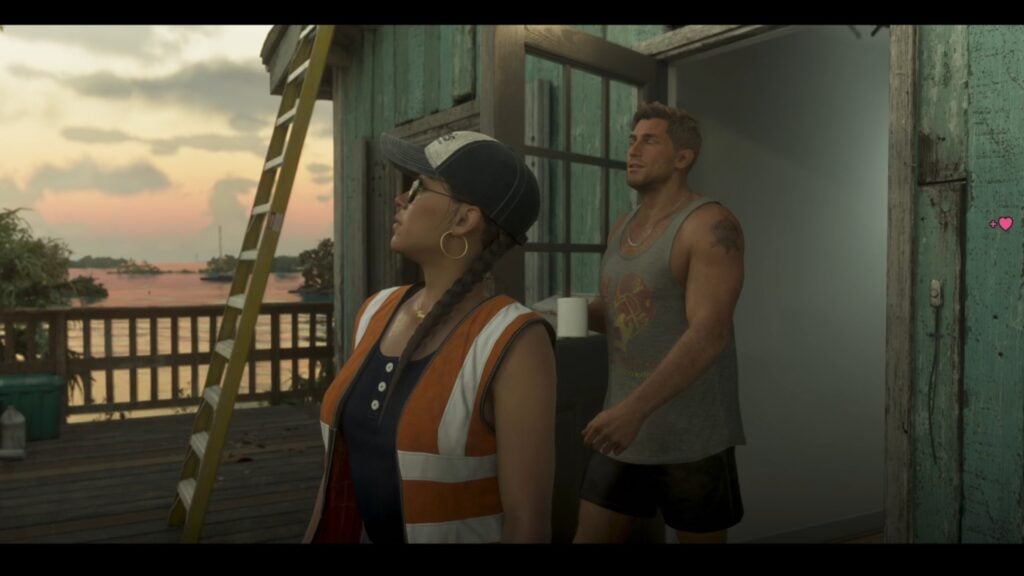
A final cutscene plays out at Jason’s house, bringing Recalibration to an end.
Recalibration Mission Rewards
Recalibration doesn’t have a cash reward or any unique items to collect.
What to Do After Recalibration
After Recalibration, the next main story mission is Tourist Trap, which kicks off the final sequence of Chapter 1.
Before continuing, make sure you’ve finished everything you want to do in Chapter 1. Once the finale starts, you’ll lose access to free roam until Chapter 2, and Jason’s house in Key Lento won’t be available afterward.
Finish any outstanding side missions, deposit your pocket cash, and consider putting at least $5,000 into BuckMe Family Savings before continuing. We also highly suggest making a separate save file here.

Ask GTA 6 Bible
Questions about Recalibration





Comments
No comments yet. Be the first!