
Mission 13 · Chapter 1
Buck Me
Buck Me is the thirteenth story mission in GTA 6: Chapter 1, Just Like Paradise. After completing Coming Home, Lucia needs to open a bank account to receive payments from her community service work. Jason agrees to meet her at the local Fleeca Bank in Key Lento, but things don’t go quite as planned.
Here’s a complete step-by-step walkthrough for completing GTA 6’s Buck Me mission, including how to open your account, transfer money into Family Savings, and use the banking app. Be sure to tick it off on our 100% tracker once you finish it.
How to Start Buck Me in GTA 6
Buck Me becomes available around half an in-game day after completing Coming Home, once Lucia has moved into Jason’s house.
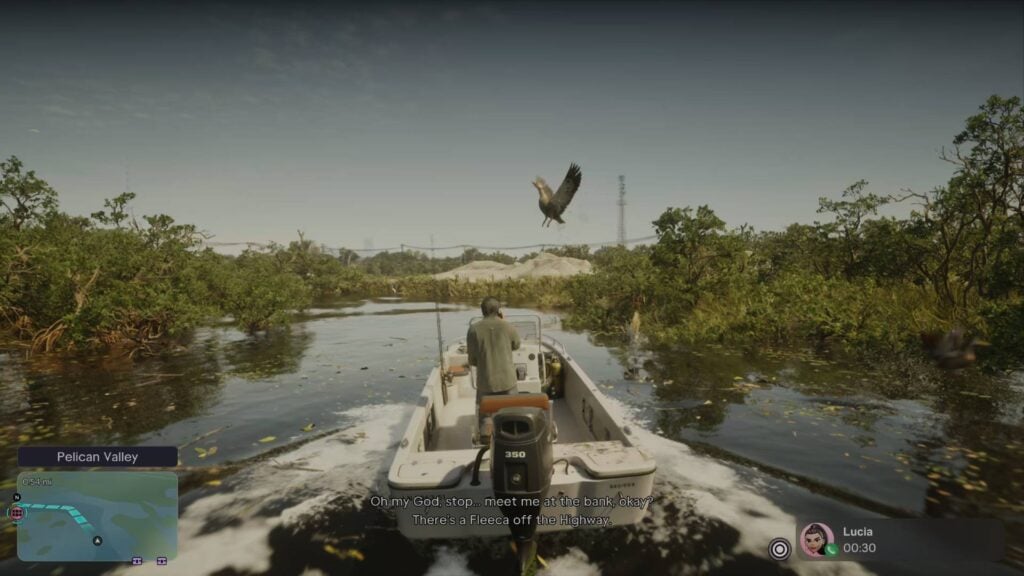
Lucia will call Jason and explain that she needs a bank account to receive her community service payments. Neither of them has one, so she asks Jason to meet her at Fleeca Bank in Key Lento.
Open your map and head to the bank’s mission marker. You’ll be playing as Jason for this mission. You can also complete Clean Up After Donnie around this point in the story, so don’t worry if you’ve already done that mission first.
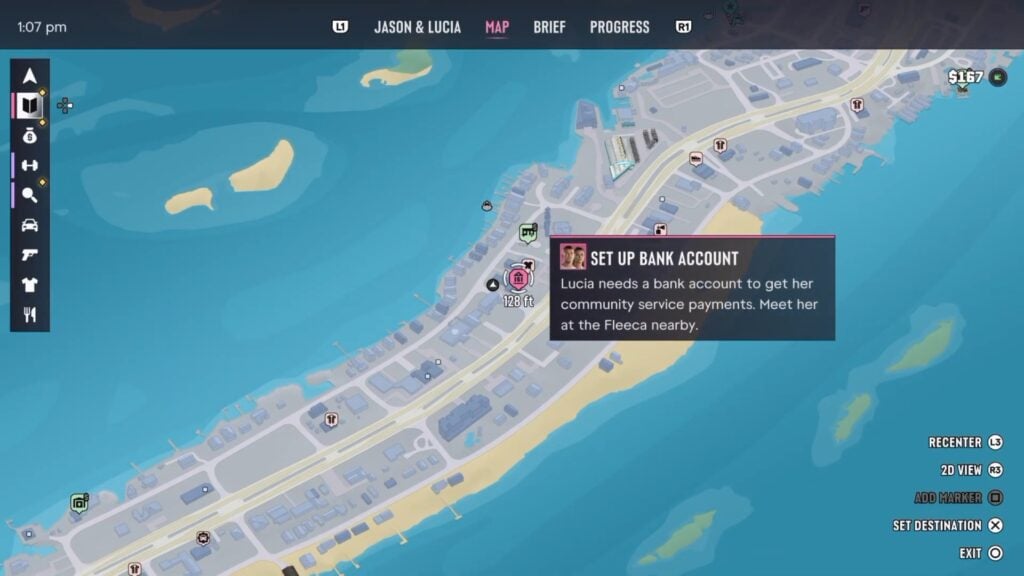
Objectives
- Ask about setting up a bank account
- Speak to the manager
- Open BuckMe
- Move money into Family Savings account
Ask About Setting Up a Bank Account
Head inside Fleeca Bank in Key Lento and approach the teller behind the counter.
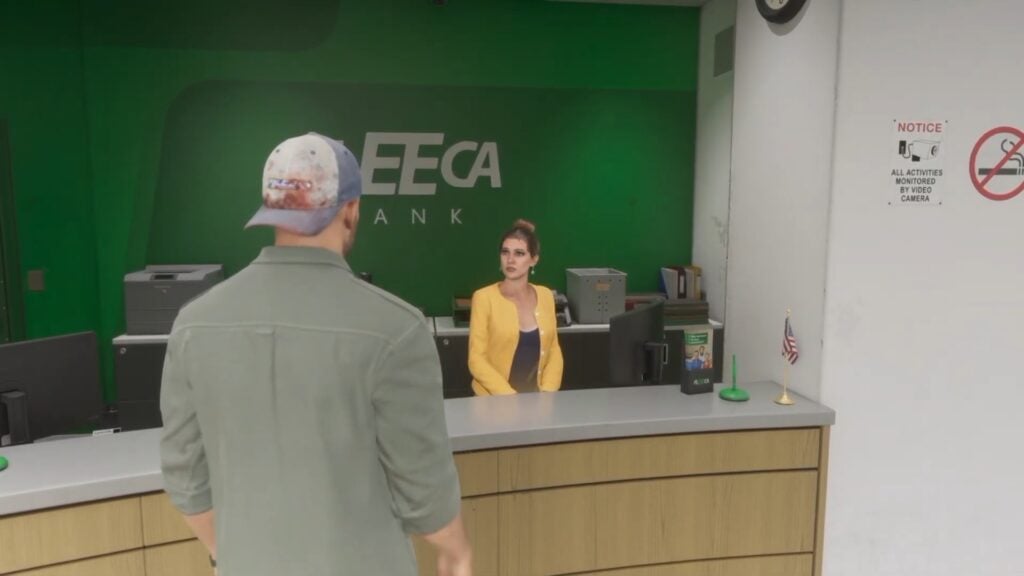
Talk to her about opening a bank account. She’ll tell Jason that he needs to speak to the bank manager instead.
The manager is sitting at a table in the right corner of the bank. Walk over to him to continue.
Speak to the Manager
After speaking with the manager, follow him into his office. Lucia will join Jason for the meeting.
The manager asks about their financial situation and runs a credit check. Unfortunately, Jason’s credit is terrible, and the bank refuses to open a normal account for him.
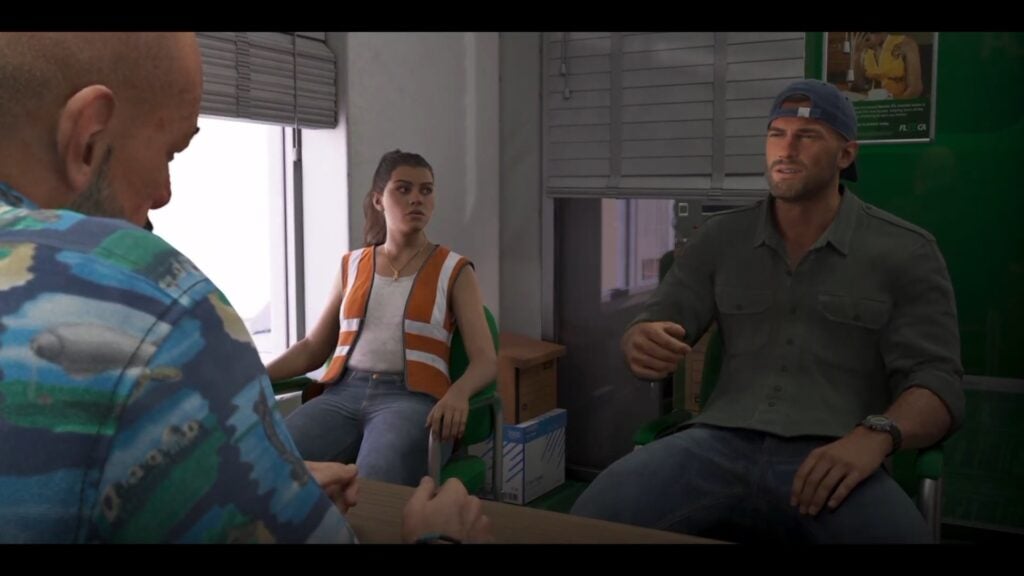
During the conversation, you’ll also get a choice about whether to tell Lucia about the cash you’ve saved at home.
- Saved Cash: Jason tells Lucia about the money he’s put aside, improving their relationship.
- Say Nothing: Jason keeps the money to himself, which can hurt their relationship.
We recommend telling Lucia about the money if you’re trying to improve their relationship.
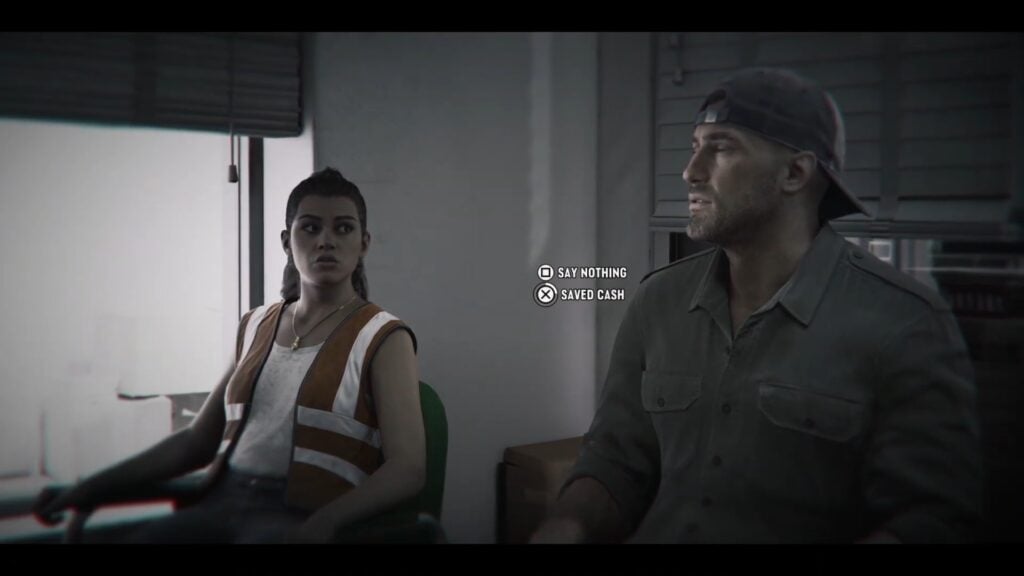
Since Fleeca won’t give them a regular bank account, the manager suggests using BuckMe, a mobile banking app.
After the meeting, a cutscene takes Jason and Lucia back to their house, where you’ll get to set up your account.
Open BuckMe
Once you’re back home, you’ll receive a $100 welcome bonus in your new BuckMe checking account.
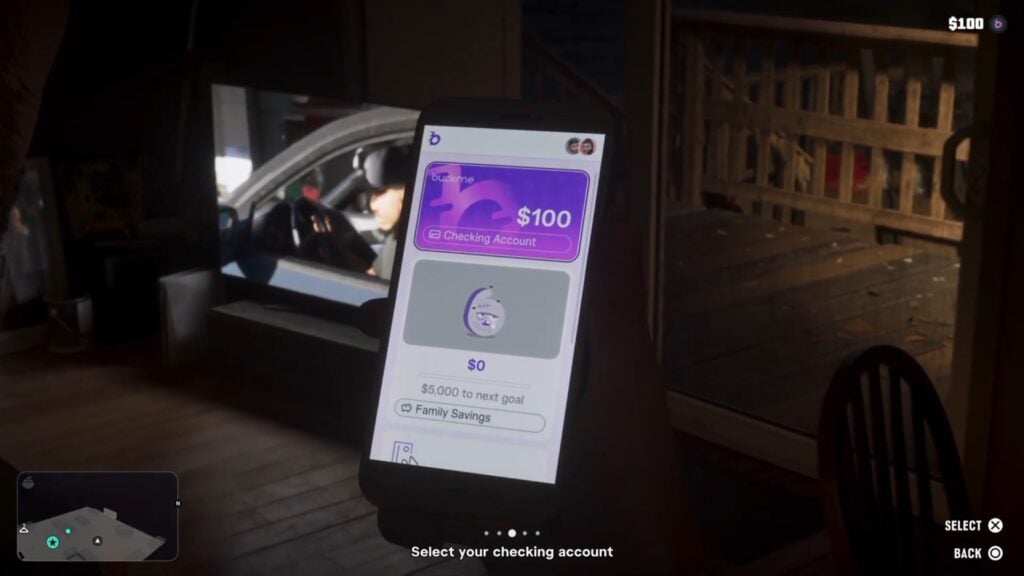
Open Jason’s phone by pressing Up on the D-pad and select the purple B icon to launch the BuckMe app.
The app has two main accounts:
- Checking Account: Your regular bank account. You can deposit and withdraw money, receive payments, and use it to buy things.
- Family Savings: A shared savings account for Jason and Lucia. Money deposited here is permanently locked, but reaching savings goals unlocks discounts and other bonuses.
You’ll be asked to move your welcome bonus into Family Savings to finish setting everything up.
Move Money Into Family Savings Account
In the BuckMe app, select Checking Account at the top of the screen. Look for the Buck Yourself option, which lets you transfer money from your checking account into Family Savings. Select it and move the $100 welcome bonus into Family Savings.
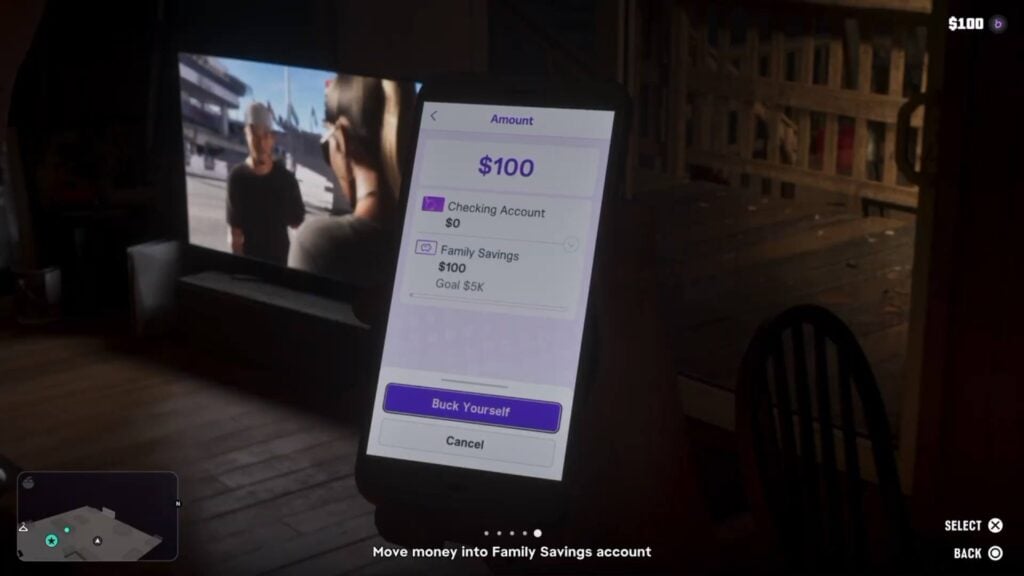
Important: You can’t withdraw money from Family Savings once you’ve deposited it. The $100 you’re transferring during this mission will be permanently locked in the account.
After transferring the money, you’ll get a short explanation of the savings system and its rewards. The first Family Savings goal is $5,000. Reaching savings goals increases your checking account limit and unlocks discounts on certain purchases.
Once you’re done with the banking tutorial, Jason and Lucia spend some time watching TV together before heading to bed. You can spend time with Lucia and rub her feet to increase your relationship score with her.
This marks the end of Buck Me.
How to Deposit Cash Into BuckMe
To deposit money, open the BuckMe app and select ATM Finder – Set Destination. This marks the nearest ATM on your map. Head there, interact with the machine, and deposit whatever cash you’re carrying. You can also withdraw money from your checking account at an ATM.
It’s a good idea to deposit your pocket cash regularly because you lose the cash you’re carrying when you die. You can also lose a smaller portion of your checking balance, but it’s still safer than walking around with all your money in your pockets.
Buck Me Mission Rewards
Completing Buck Me unlocks the BuckMe banking app, along with Jason and Lucia’s checking and Family Savings accounts.
You also receive a $100 welcome bonus, although the mission has you transfer that money into Family Savings, so you won’t be able to spend it. You also unlock the savings goals and rewards from the BuckMe app.
What to Do After Buck Me
After completing Buck Me, you can start using ATMs around Leonida to deposit and withdraw money. You can also begin saving toward the $5,000 Family Savings goal.
Once you’ve completed both Buck Me and Clean Up After Donnie, you can continue the main story with Down to Earth, where Jason takes on another job for Brian Heder.

Ask GTA 6 Bible
Questions about Buck Me



Comments
No comments yet. Be the first!